Home Automation Using Arduino - Beginner Guide
Abhi Bavishi
8 December 2017

This tutorial demonstrates controlling household electrical appliances via smartphone using Arduino microcontroller technology. The complete setup costs under $30 and takes approximately 15 minutes to configure.
Required Components
- Arduino UNO (or compatible variant)
- HC-05 Bluetooth wireless module
- 5V relay module
- Jumper wires and breadboard
- 1k and 2.2k ohm resistors
- Lamp or electrical load
- Android device with Bluetooth capability
Hardware Setup Instructions
Bluetooth Module Connection
The HC-05 module connects to Arduino's serial pins for two-way communication. A voltage divider using 1k and 2.2k resistors converts the 5V Arduino signal to 3.3V, protecting the Bluetooth module's receiver pins.
Relay Circuit Configuration
The relay acts as an electronic switch connecting the load to power. Three terminal types exist:
- COM (Common): Power supply connection point
- NO (Normally Open): Used to control when load receives power
- NC (Normally Closed): Remains connected when relay is unpowered
Arduino Code
#define RELAY_ON 0
#define RELAY_OFF 1
#define RELAY_1 4

char data = 0;

void setup() {
  pinMode(RELAY_1, OUTPUT);
  digitalWrite(RELAY_1, RELAY_OFF);
  Serial.begin(9600);
  Serial.print("Type: 1 to turn on the bulb. 0 to turn it off!");
}

void loop() {
  if (Serial.available() > 0) {
    data = Serial.read();
    Serial.print(data);
    Serial.print("\n");
    if(data == '1'){
      digitalWrite(RELAY_1, RELAY_ON);
      Serial.println("Bulb is now turned ON.");
    }
    else if(data == '0'){
      digitalWrite(RELAY_1, RELAY_OFF);
      Serial.println("Bulb is now turned OFF.");
    }
  }
}
Mobile Control Setup
Install the Arduino Bluetooth Controller app (Android) and configure:
- Device pairing with HC-05
- Switch mode selection
- Command values: '1' for ON, '0' for OFF
Future Enhancement Possibilities
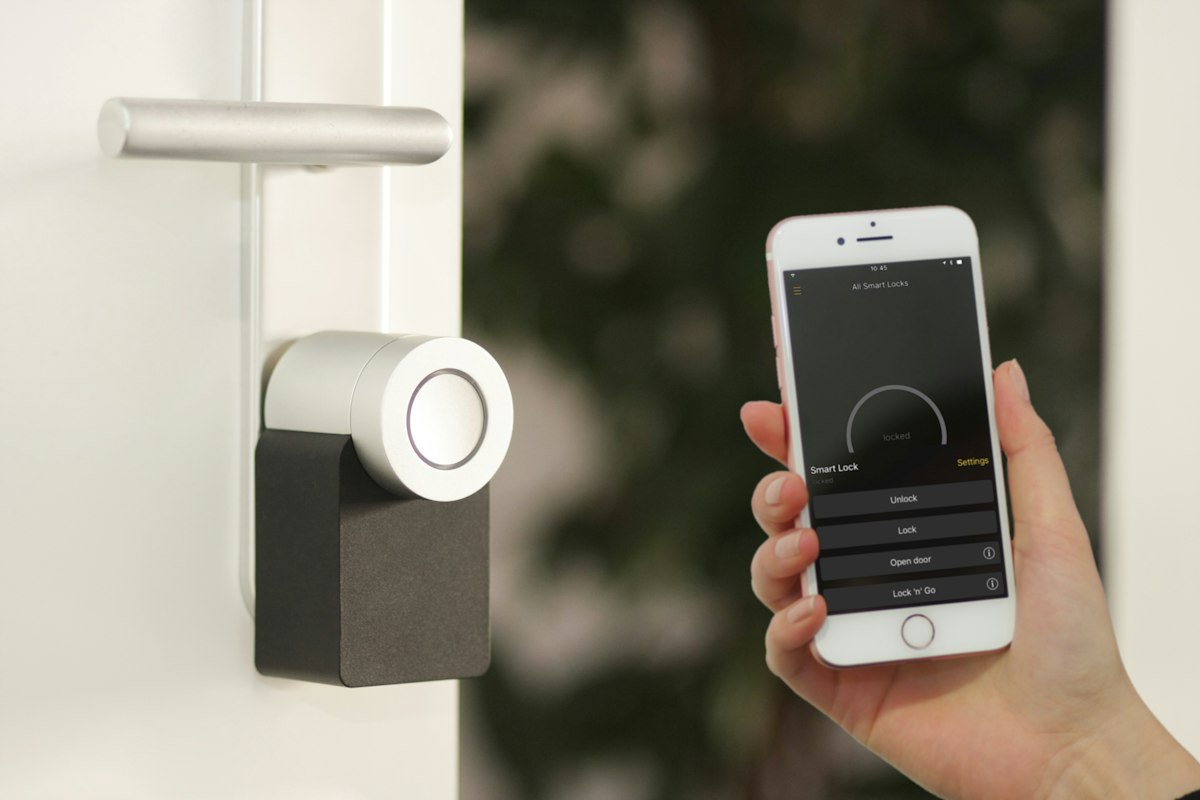
The framework supports expanded automation including scheduling, brightness control, fan speed adjustment, security integration, door locks, and scene triggering from centralized controllers.