Controllers Aqara
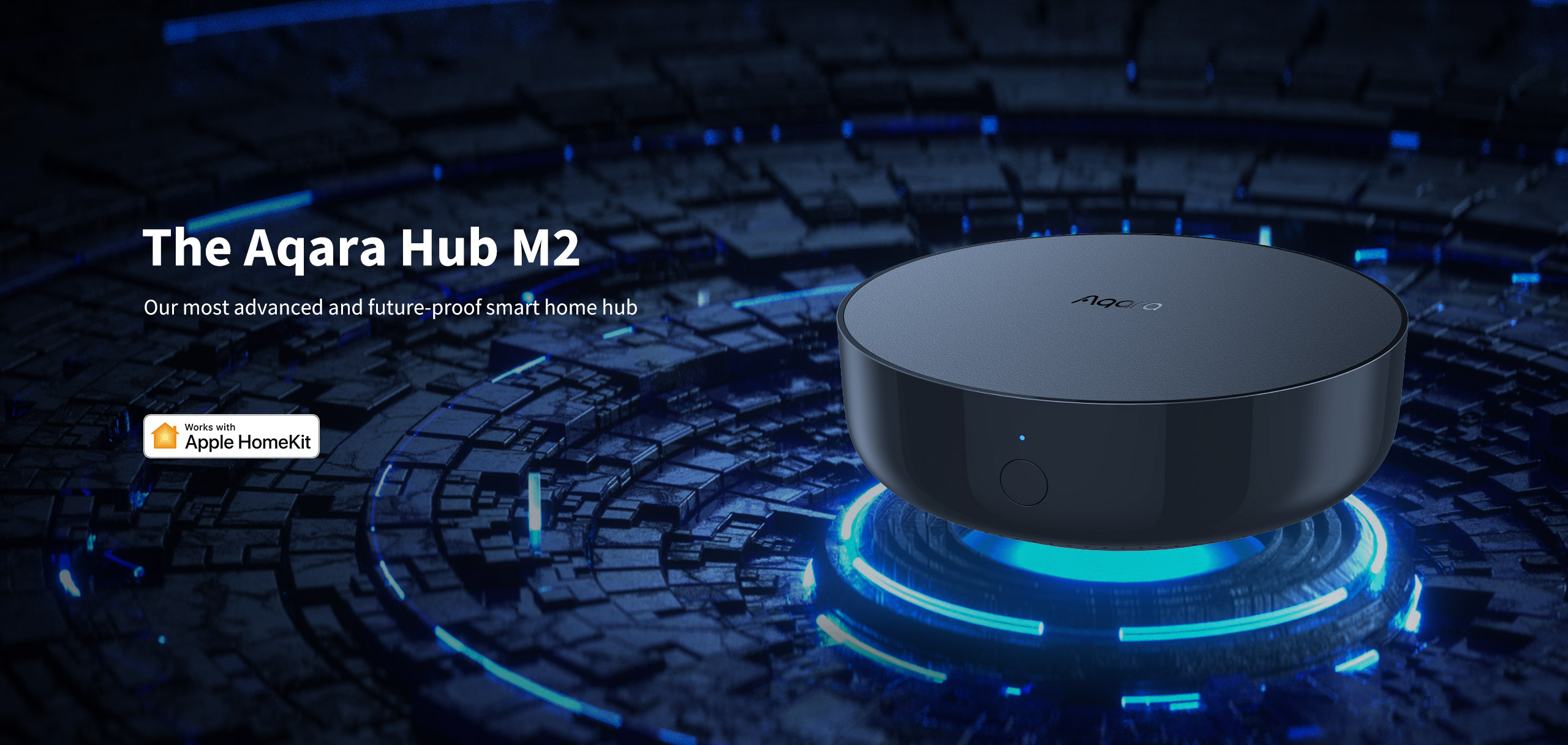
Aqara Hub M2
₹8,000

19 products available
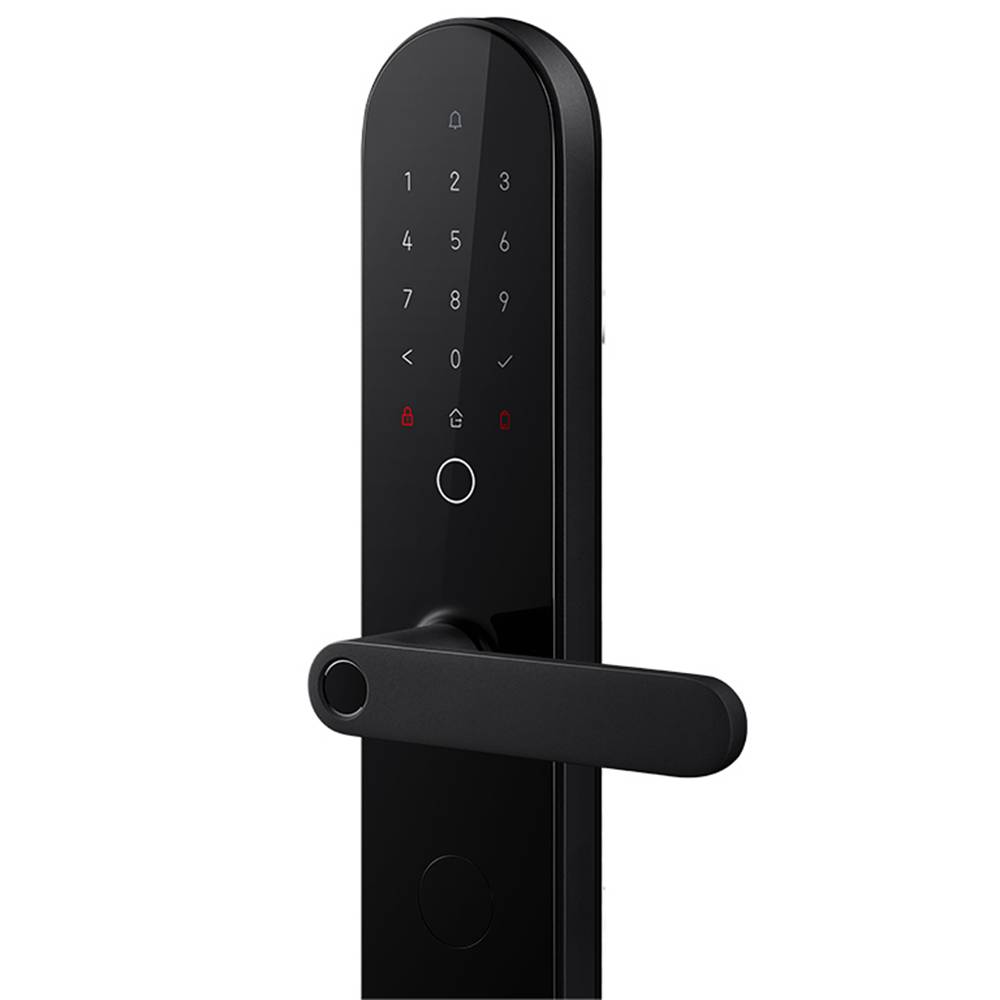
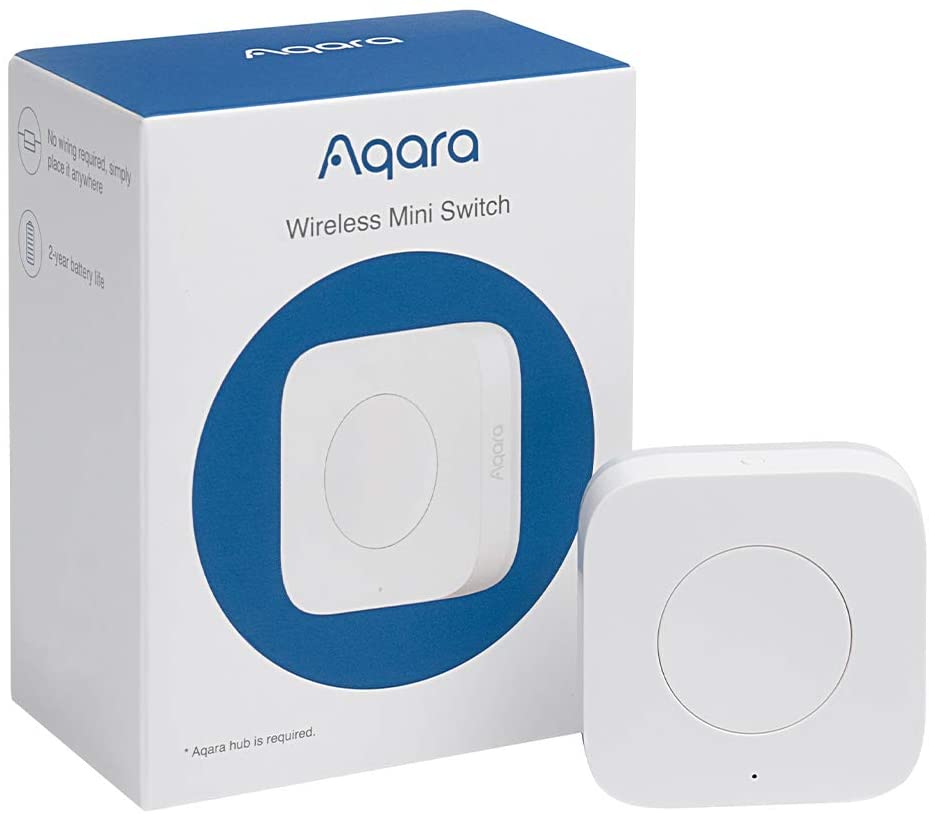
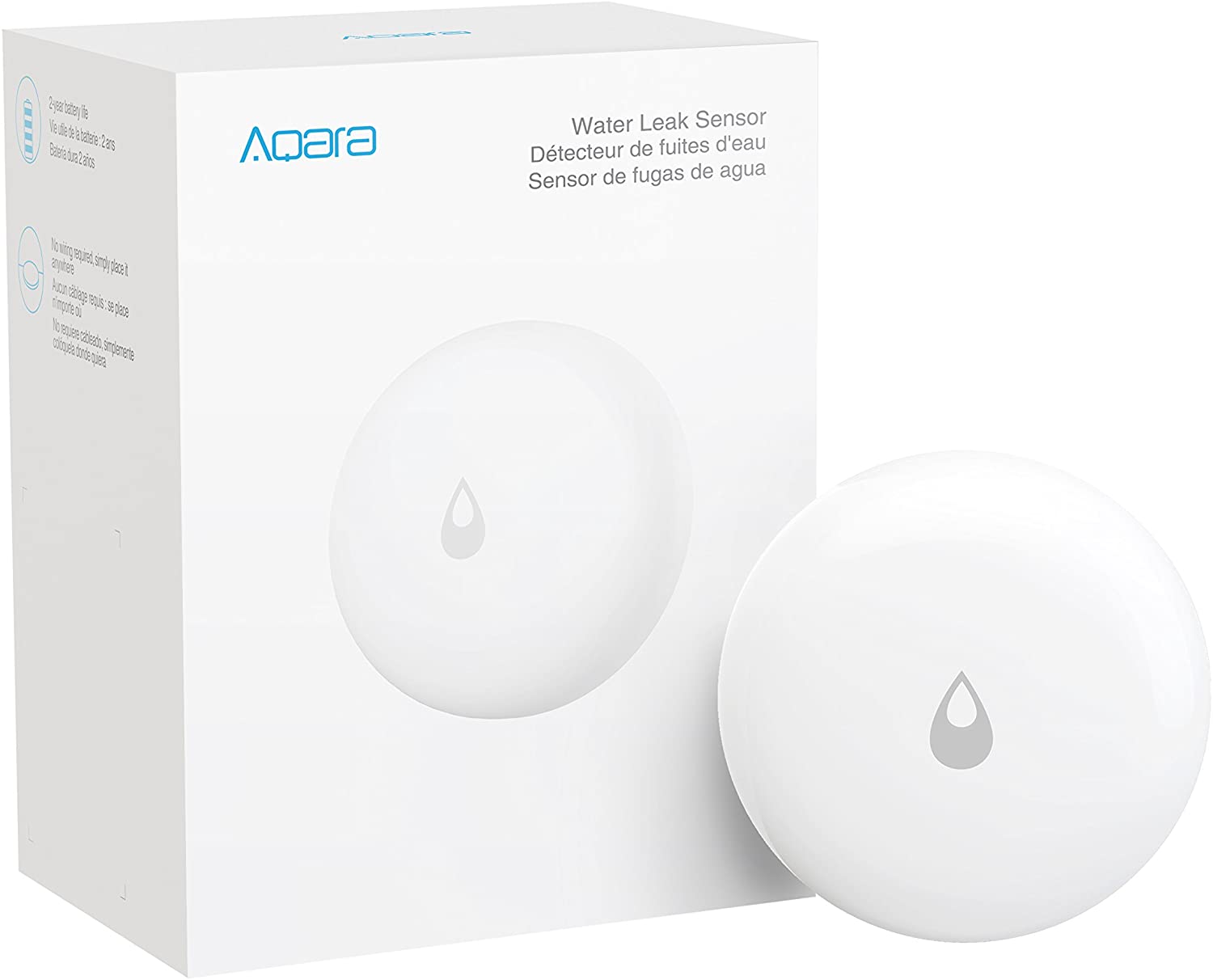
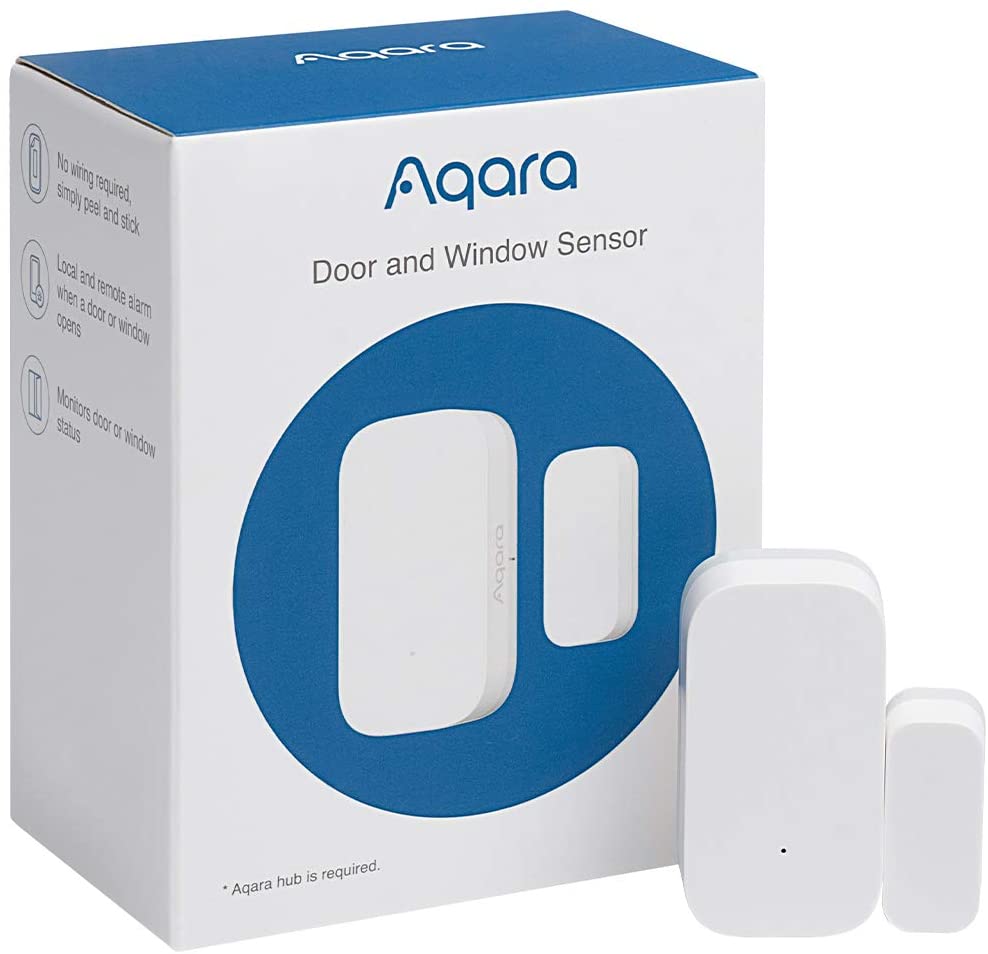
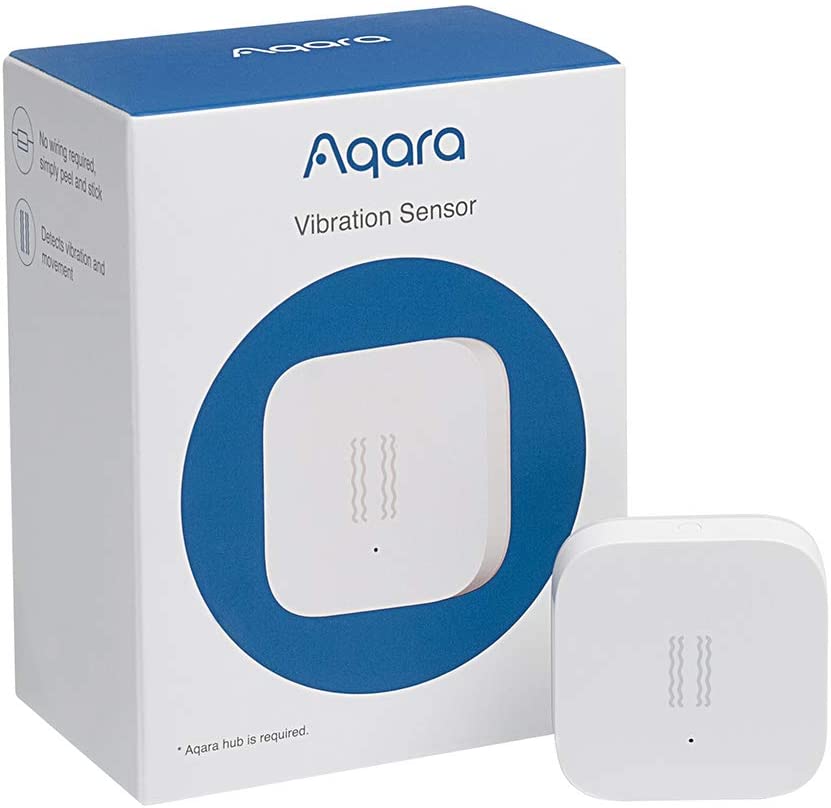
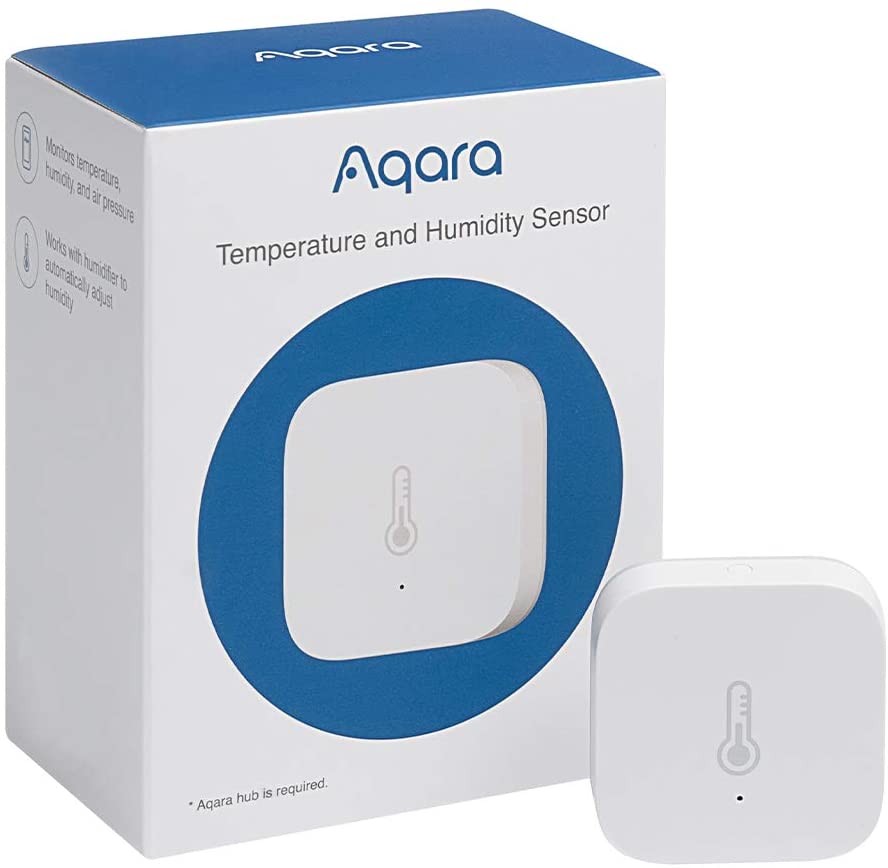
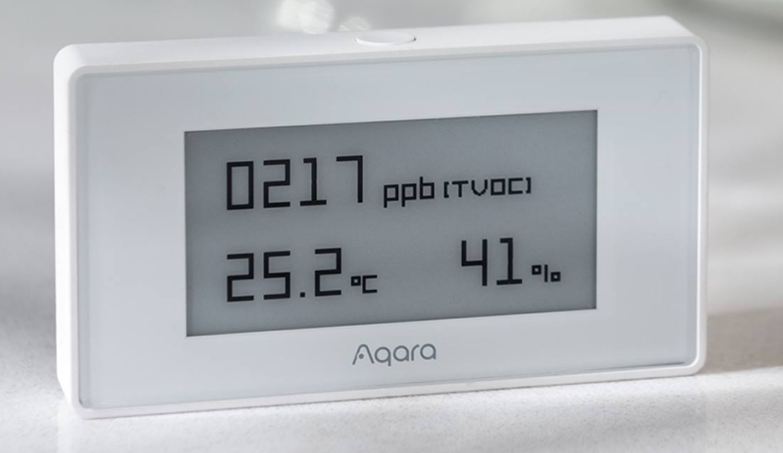
Aqara, manufactured by Lumi United Technology, is a Zigbee-based smart home brand offering comprehensive automation solutions with native support for Apple HomeKit, Google Assistant, and Amazon Alexa. The Aqara ecosystem includes hubs with local processing capabilities, compact sensors, and smart controllers. Their products emphasize local automation that functions without cloud dependency, while still enabling remote access when internet is available.
Aqara provides an excellent balance of features, compatibility, and pricing. For Apple ecosystem users, Aqara offers native HomeKit integration without recurring subscriptions. The compact sensor designs suit modern interiors, and local processing ensures automations work reliably even with unstable internet. Hub models like the M2 include IR blasters, extending control to existing ACs and TVs.
Follow these simple steps to get the most out of your Aqara setup.
Aqara is one of the best ways to build a HomeKit smart home in India.
Control your Aqara devices using voice commands through any Echo speaker.
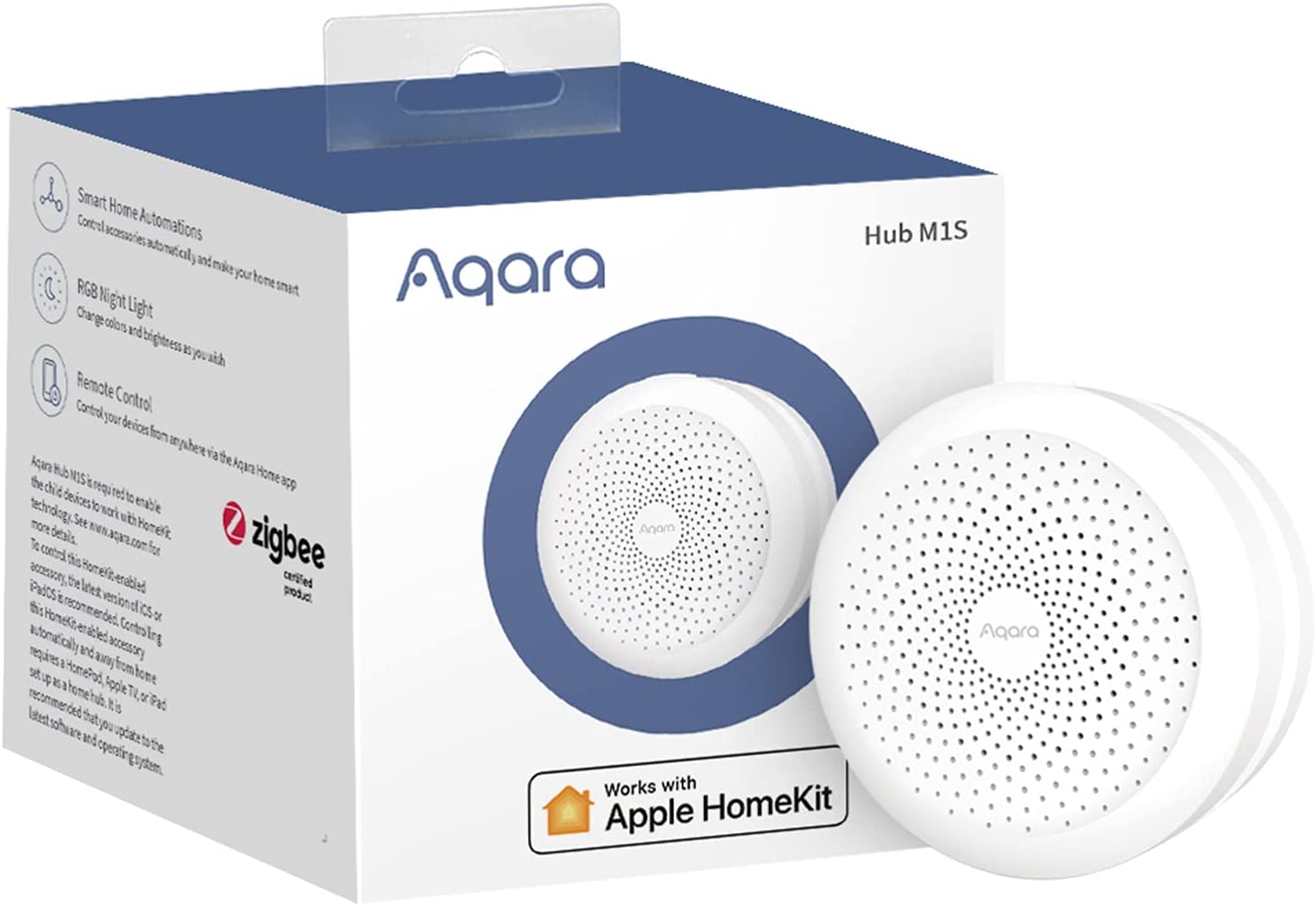
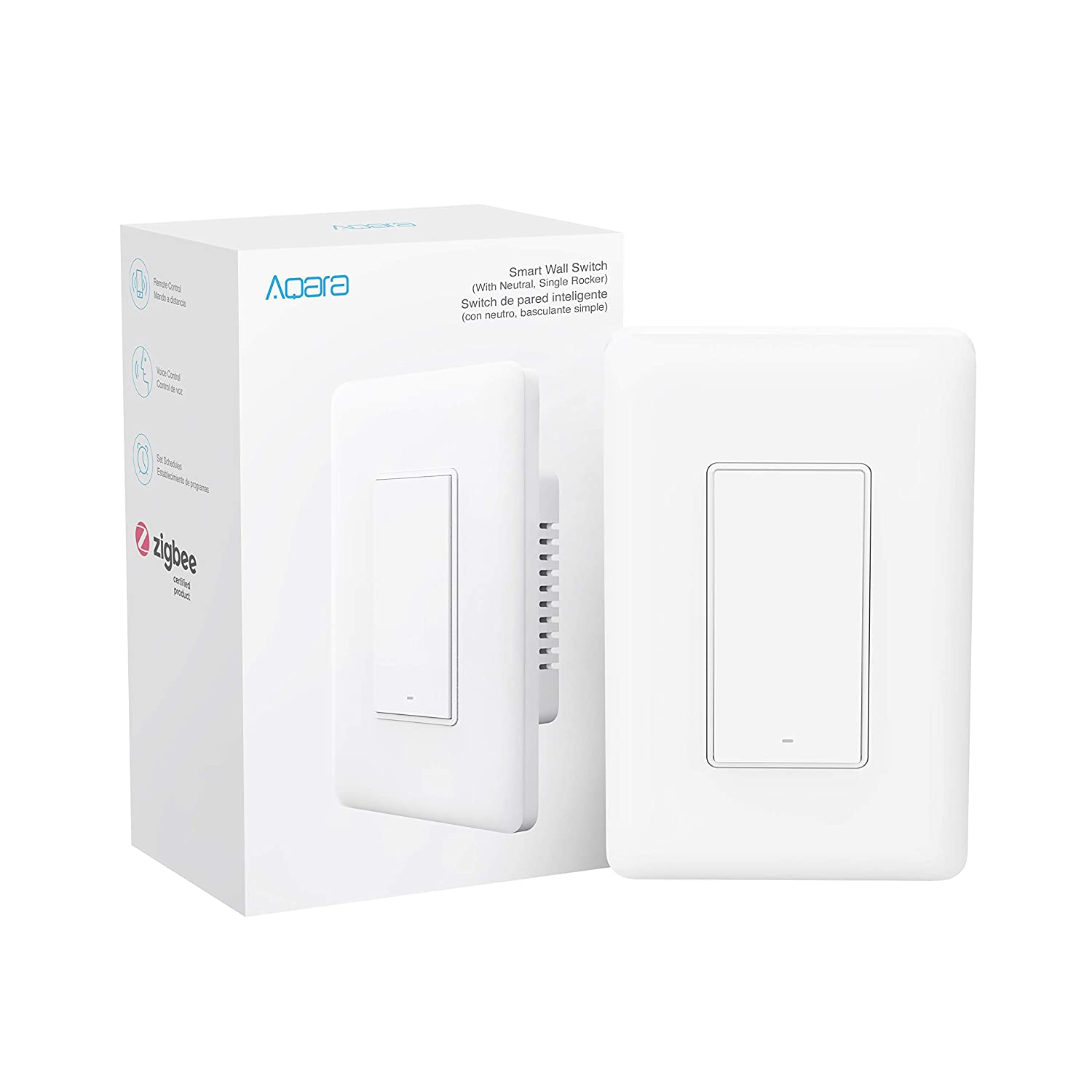
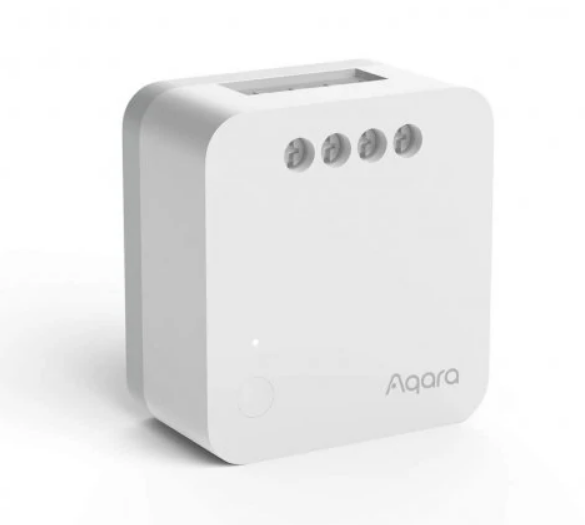
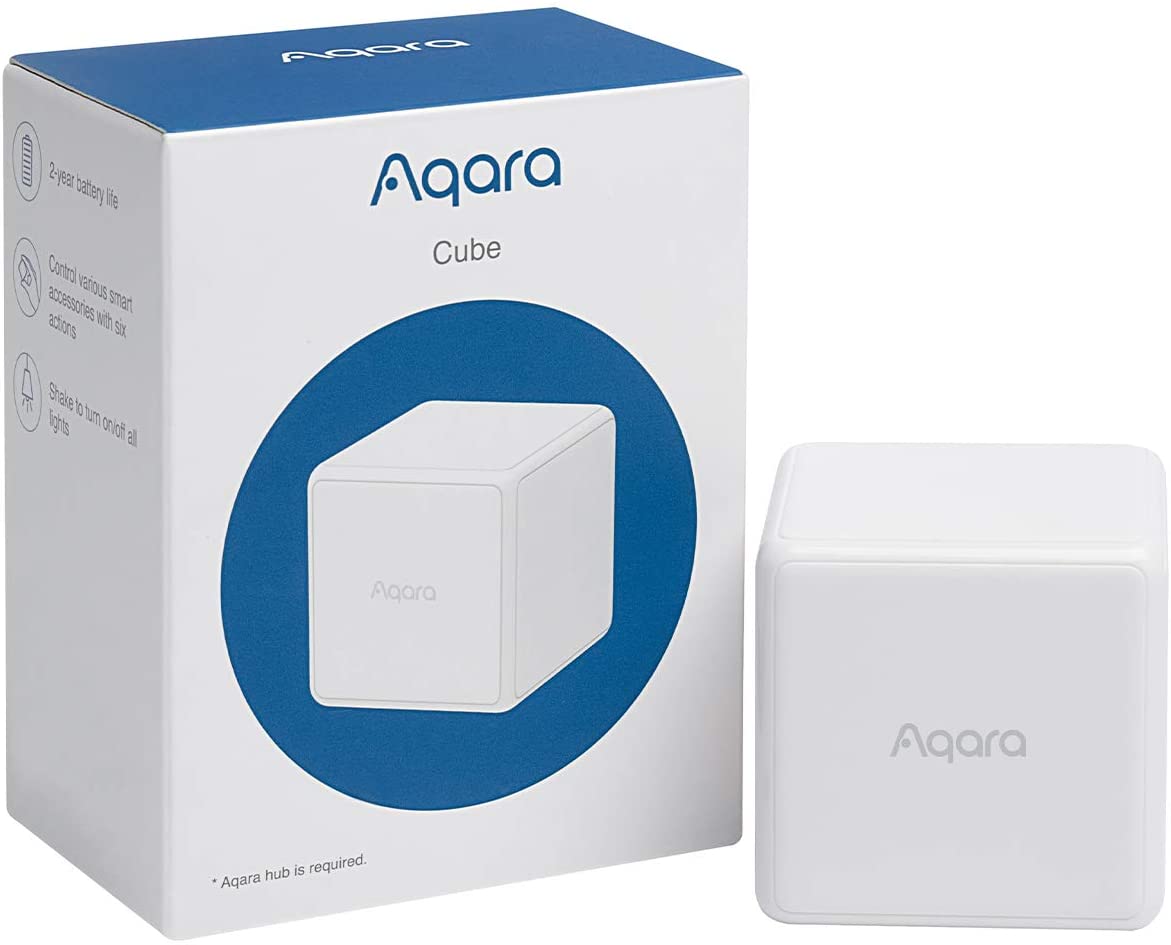
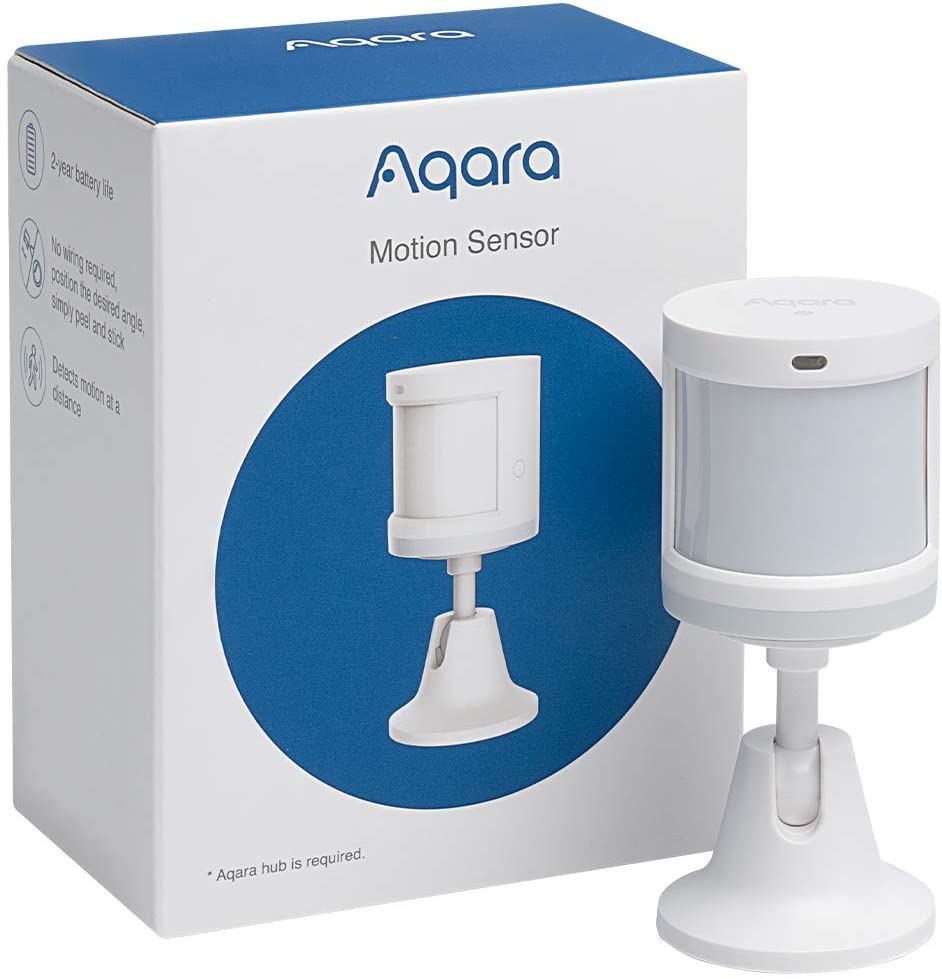
Our team can help you choose the right Aqara products for your home.
Typically replies instantly
Hi there! 👋
How can we help you with your smart home needs?