Philips
26 products available
About Philips
Philips Hue is widely recognized as the pioneer of modern smart lighting. Launched in 2012, it transformed how we interact with home illumination by introducing the first app-controlled LED bulbs. Backed by Signify (formerly Philips Lighting), the Hue ecosystem is built on the robust Zigbee protocol, ensuring instant response times and reliability even when the internet is down. Their "Friends of Hue" program has created the largest partnership ecosystem in the industry, allowing Hue lights to sync with Razer Chroma, Spotify, and Samsung SmartThings seamlessly.
Key Features
- Industry-leading color accuracy (16 million colors)
- Robust Zigbee mesh networking for reliability
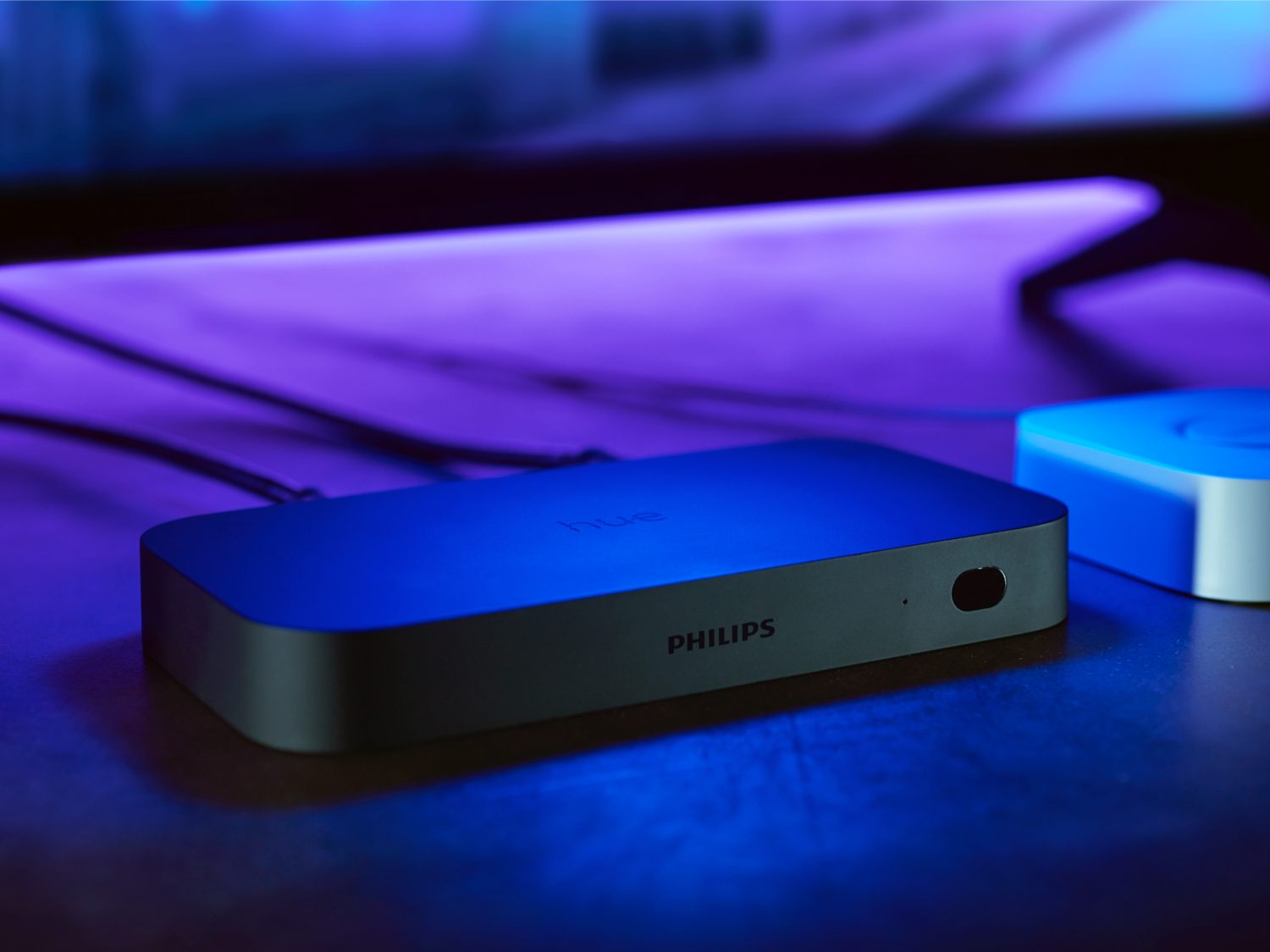
- Sync Box for immersive TV and gaming backlighting
- Huge ecosystem of third-party apps and integrations
- Friends of Hue switch compatibility
Why We Stock Philips
Philips Hue remains the gold standard for smart lighting. While cheaper alternatives exist, none match Hue's color richness, app polish, and reliability. We stock Hue because it "just works"—the bridge ensures lights don't clog your Wi-Fi, and the accessories like the Dimmer Switch and Motion Sensor are incredibly responsive. For customers who want a lighting system that will last a decade and work every single time, Hue is the only choice.
Best For
Popular Products
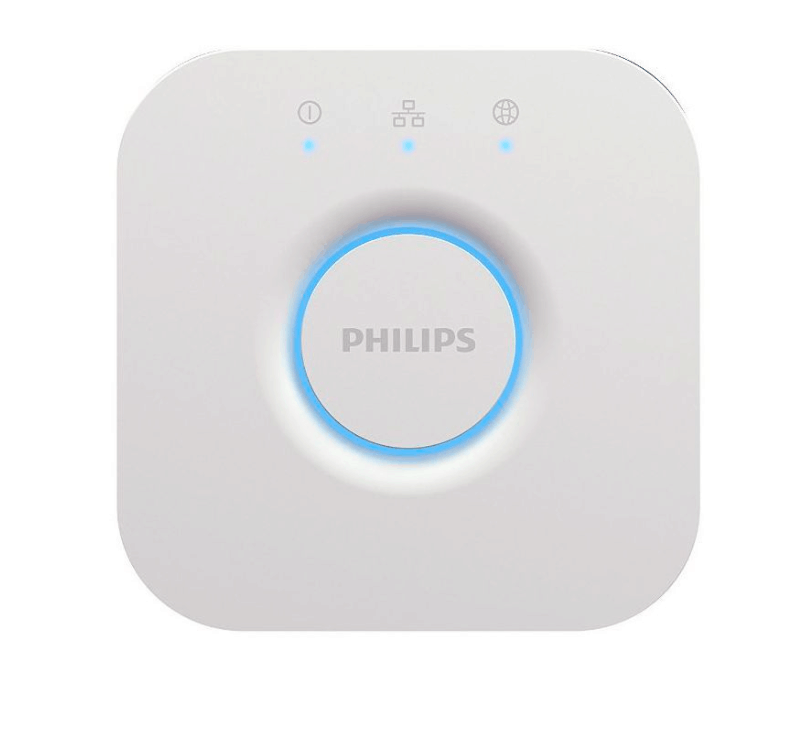
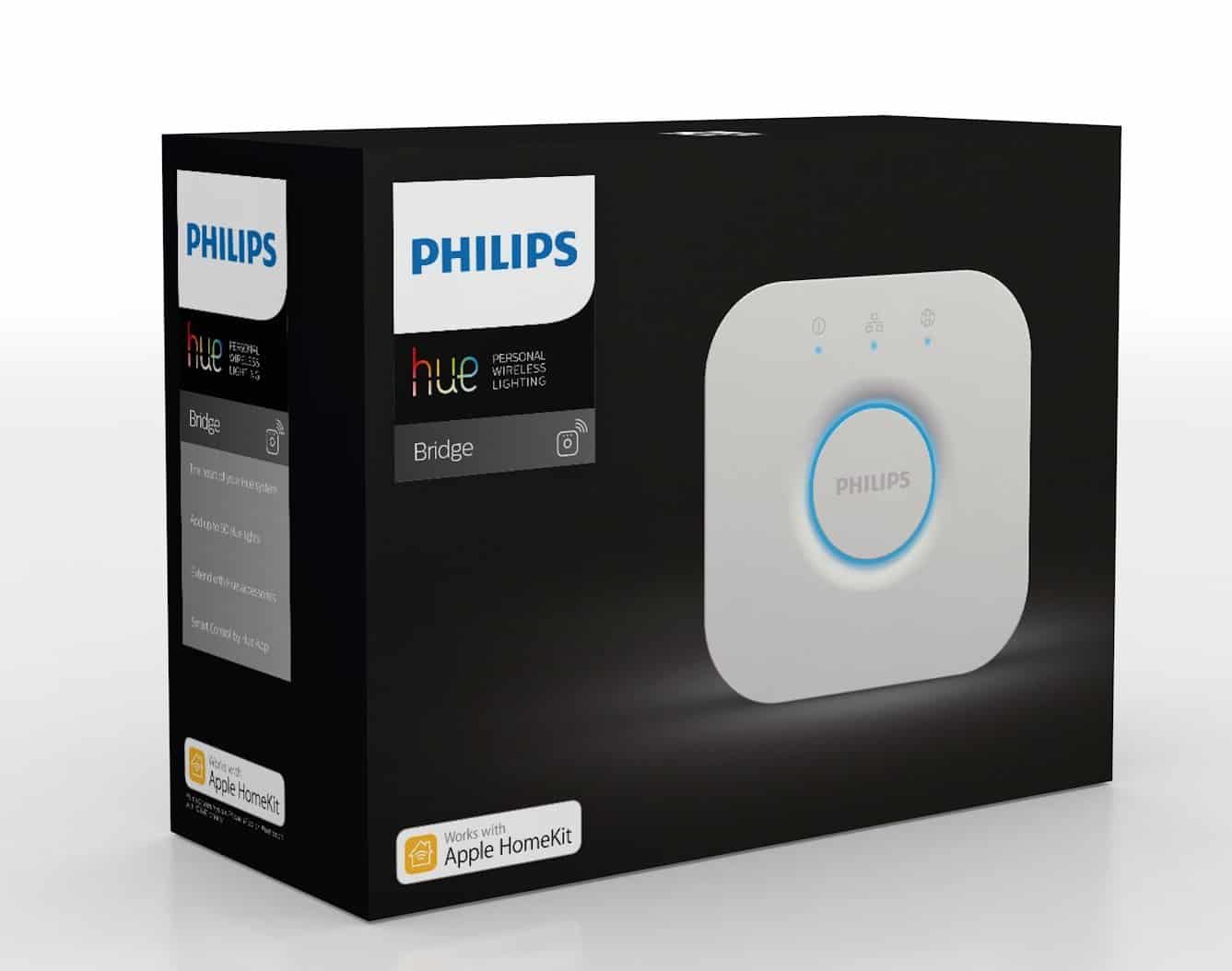
- Philips Hue Bridge (2nd Gen)
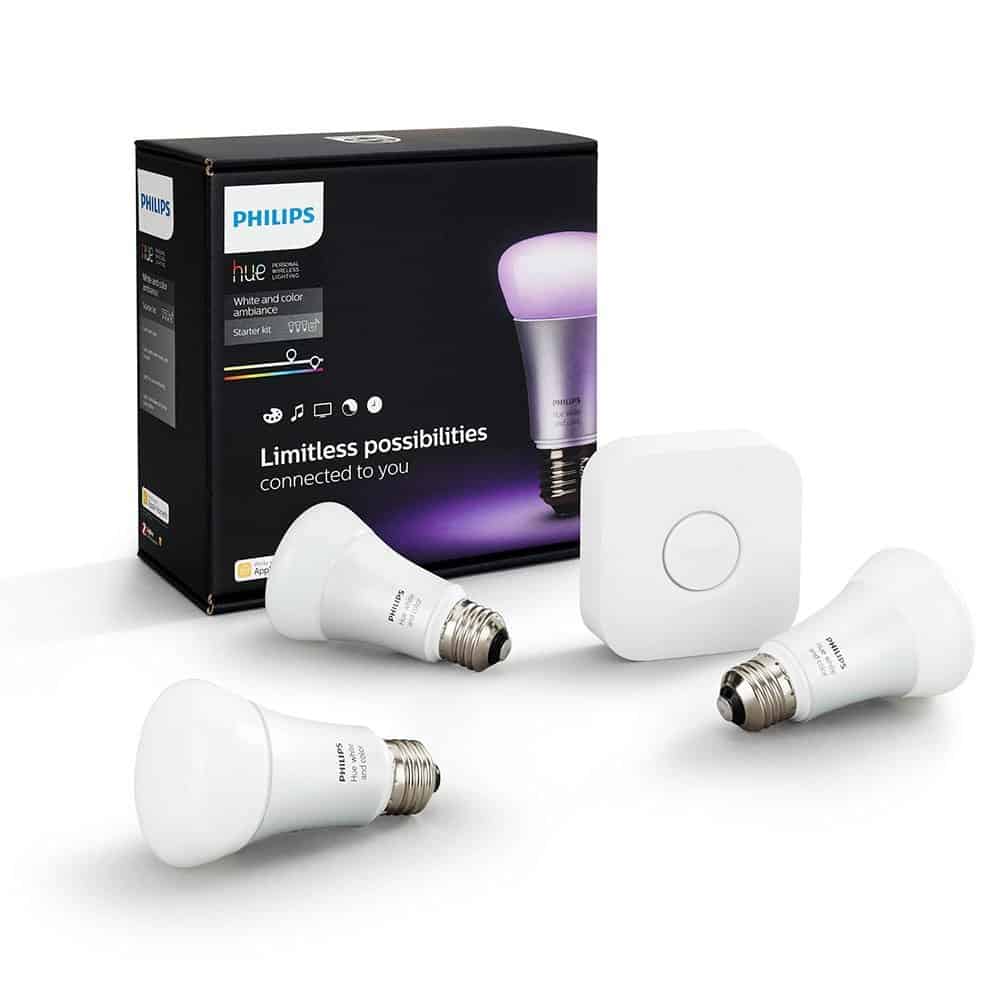
- Philips Hue White and Color Ambiance Kit
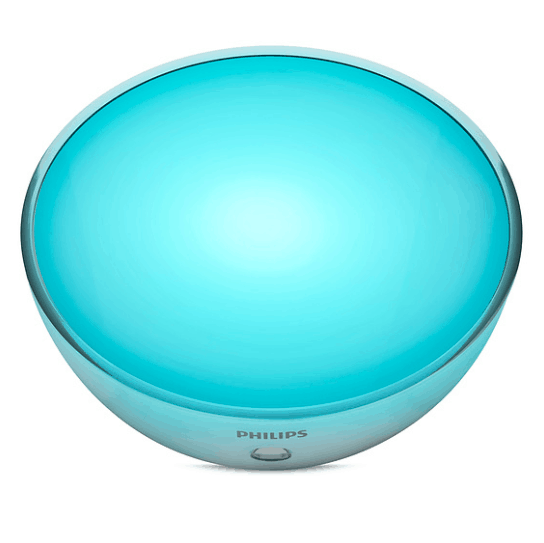
- Philips Hue Go Portable Light
- Philips Hue Motion Sensor
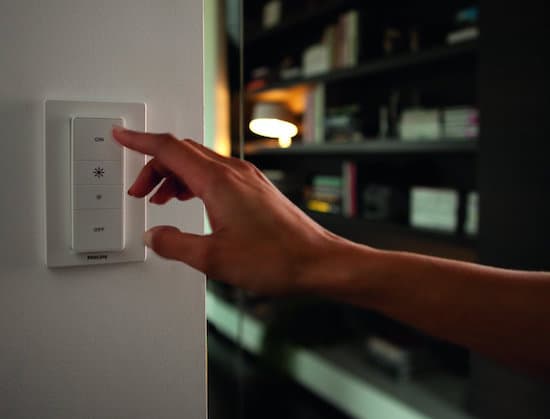
- Philips Hue Dimmer Switch
Philips Integration Guides
Follow these simple steps to get the most out of your Philips setup.
Hue Bridge Integration
The Bridge is the heart of the Hue system, unlocking the full potential of your lights.
- 1 Connect the Hue Bridge to your router using an ethernet cable.
- 2 Open the Philips Hue app and follow the on-screen instructions to find the Bridge.
- 3 Press the button on top of the Bridge to link it to your app.
- 4 Add your bulbs and accessories to the Bridge for rock-solid Zigbee performance.
Entertainment Sync Integration
Sync your lights with your movies, music, and games.
- 1 Install the "Hue Sync" desktop app or use the Hue Play HDMI Sync Box.
- 2 Create an "Entertainment Area" in the main Hue app.
- 3 Position your lights in the app to match their physical location around your screen.
- 4 Start Sync to see your lights react in real-time to the colors on your display.
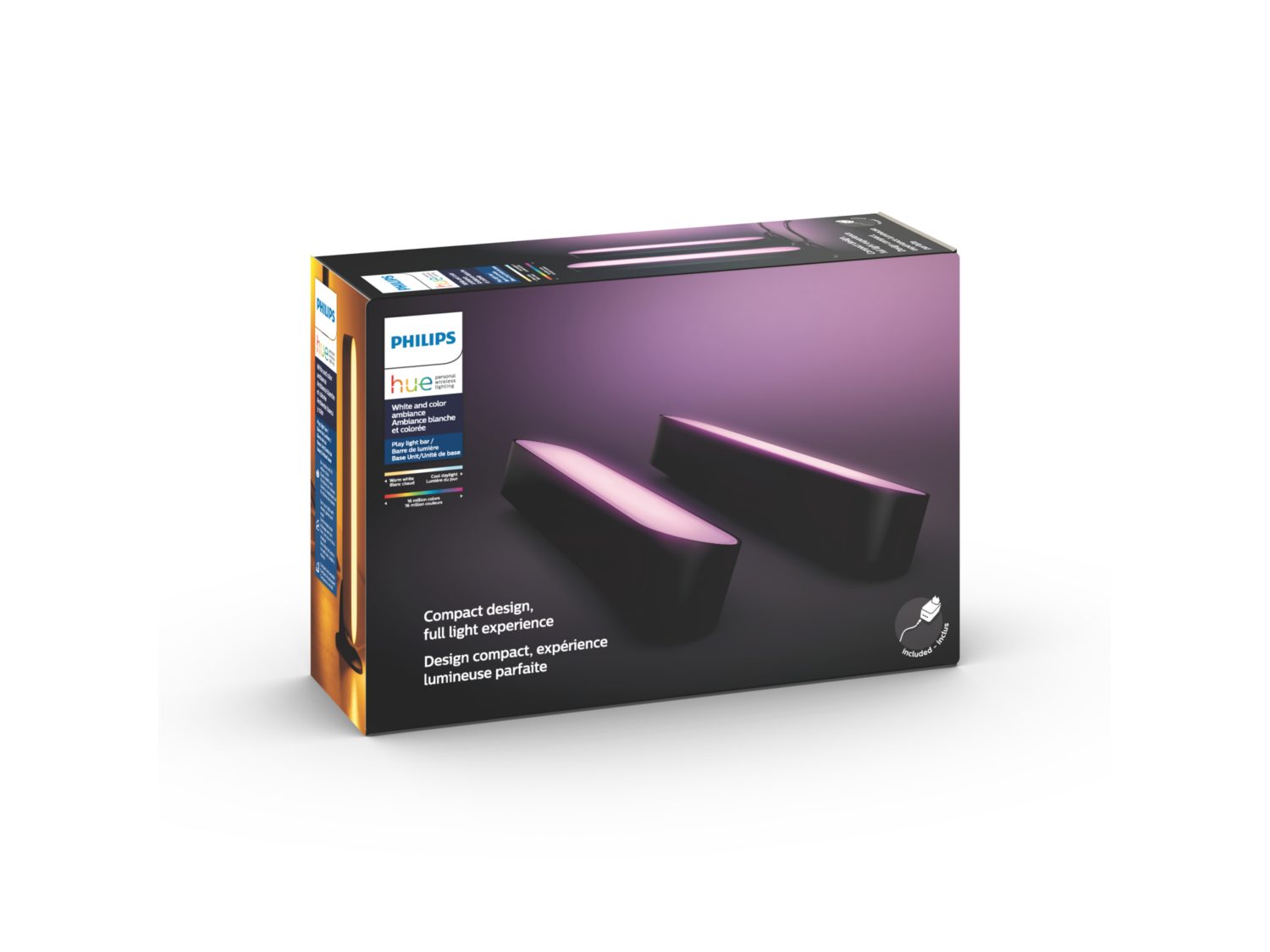
Philips Play Light Bar - Double Pack
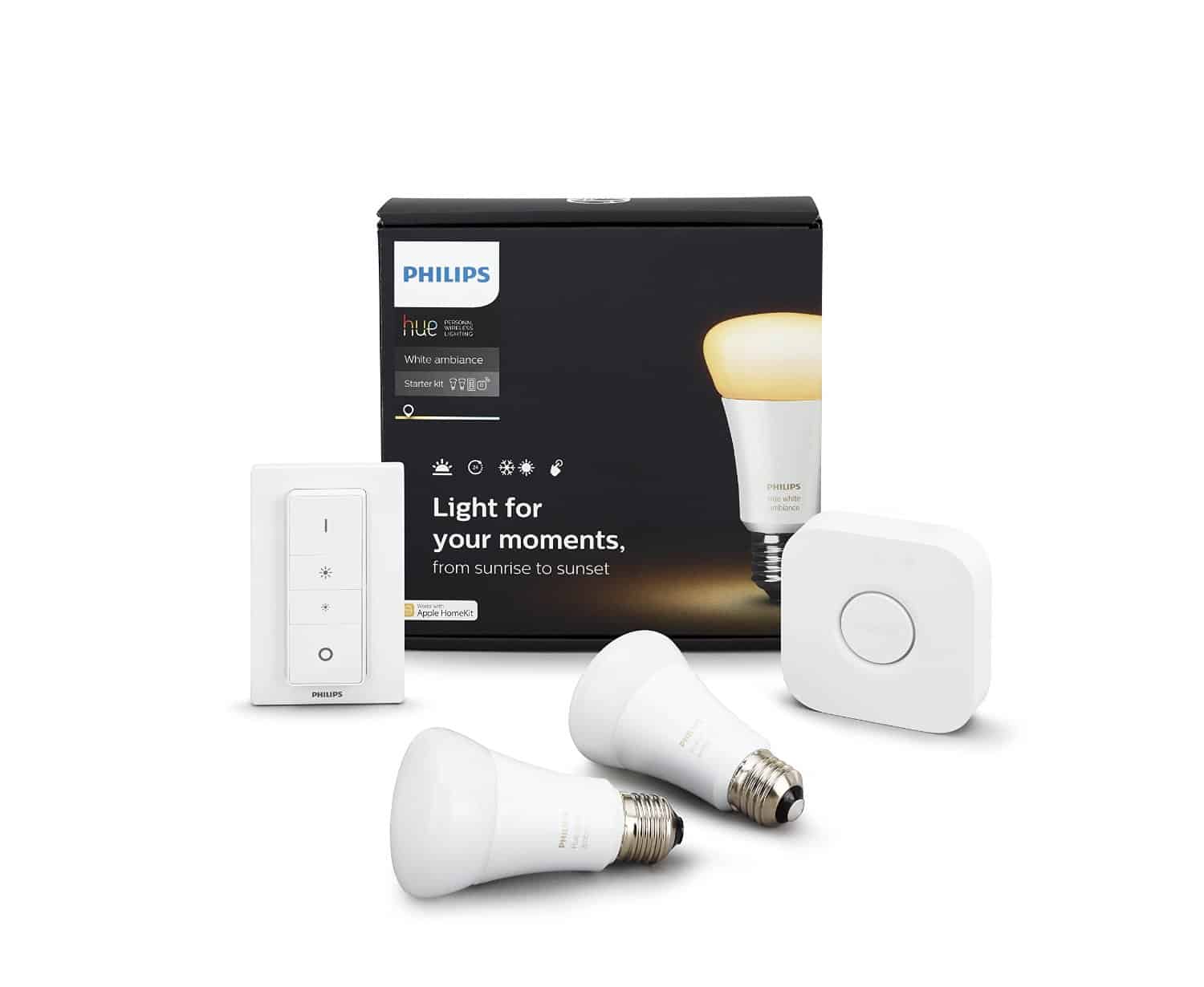
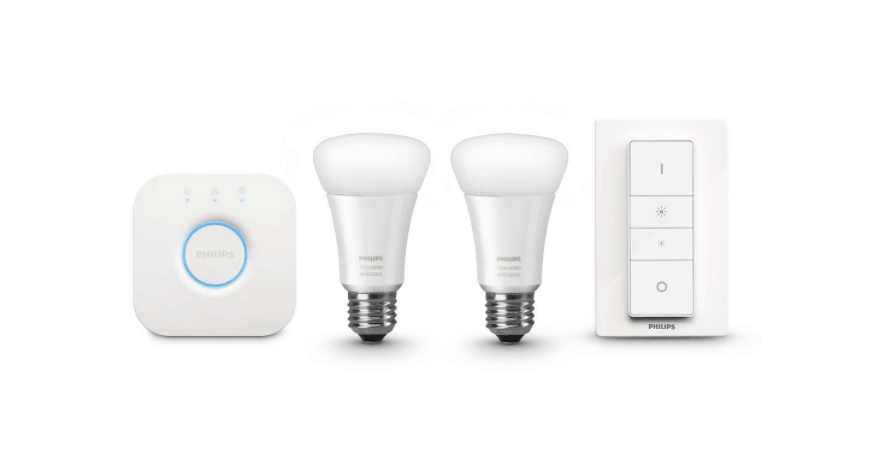
Philips Hue White Ambiance Personal Wireless Lighting Starter Kit, 2nd Generation
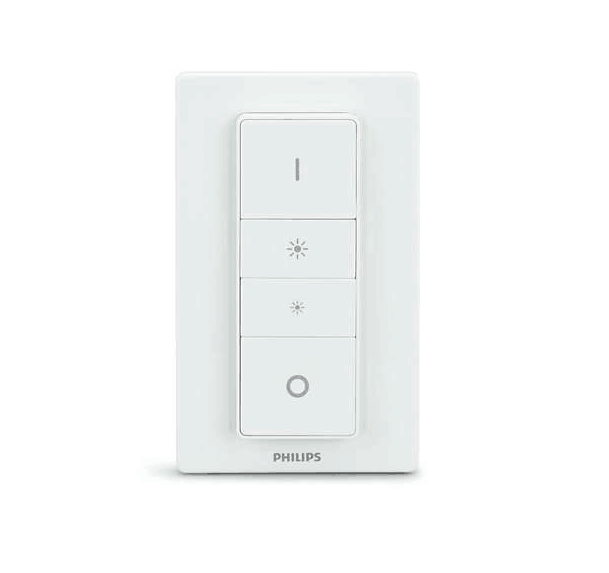
Philips Wireless Dimmer Switch
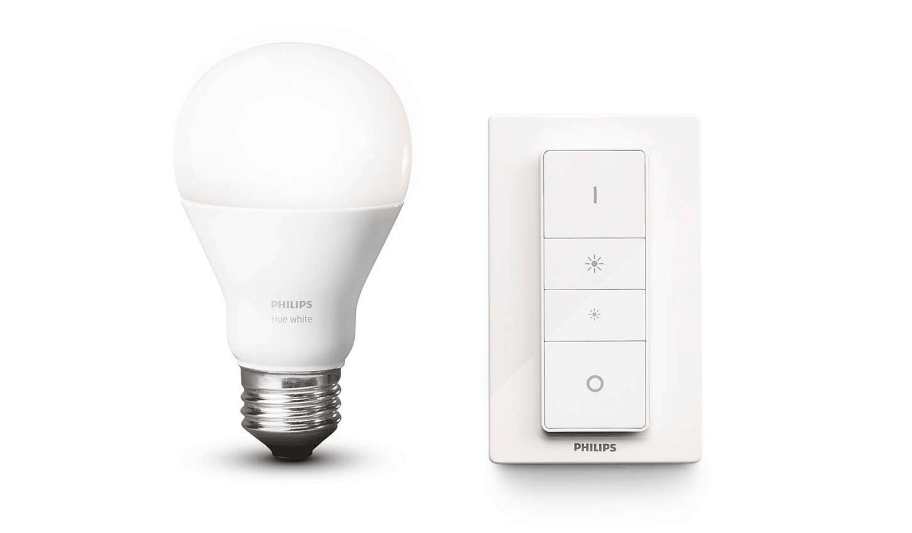
Philips Hue Wireless Dimming Kit - E27
Philips Hue White Starter Kit - E27 - UK
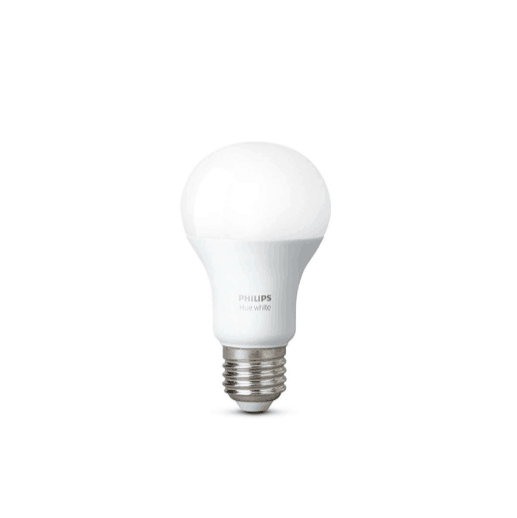
Philips Hue White Single Bulb
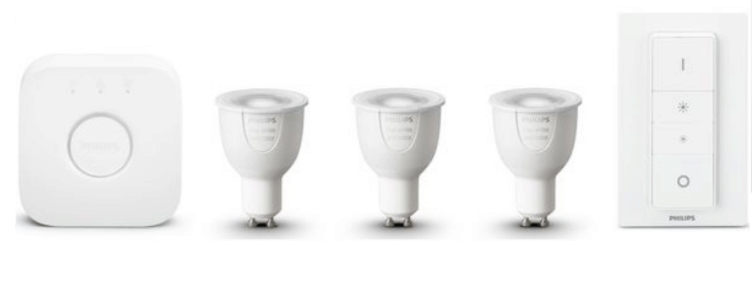
Philips Hue White and Colour Ambiance GU10 Starter Kit - UK
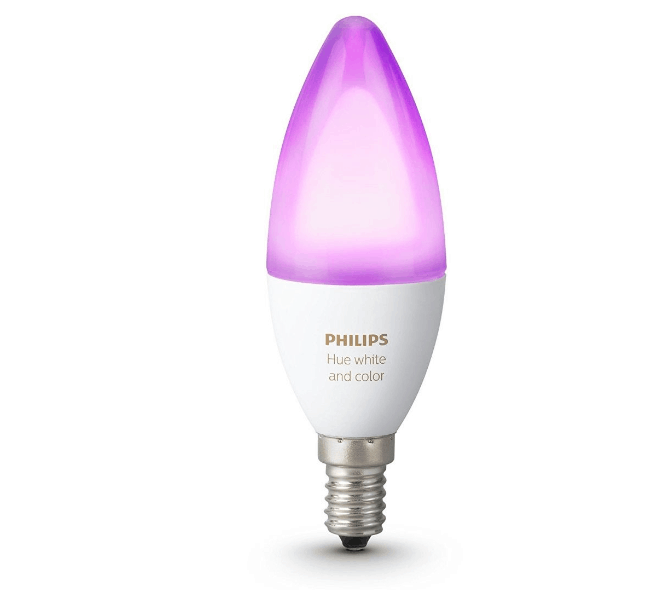
Philips Hue White and Colour Ambiance Single Bulb - E14
Philips Hue White and Colour Ambiance Single Bulb
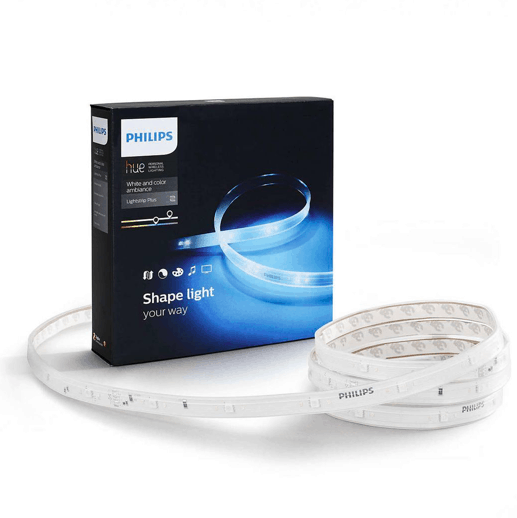
Philips Hue White and Colour Ambiance LightStrips Plus UK/EU
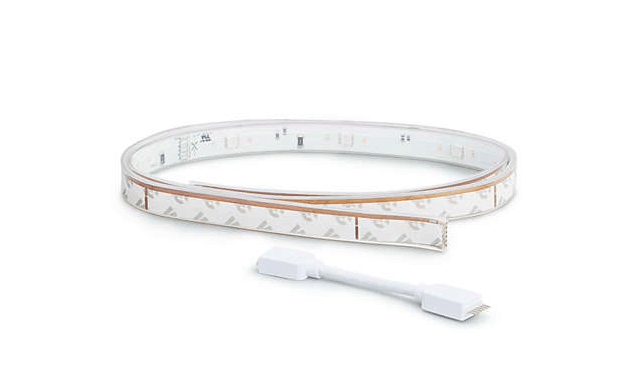
Philips Hue White & Colour Ambiance LightStrips Plus Extensions
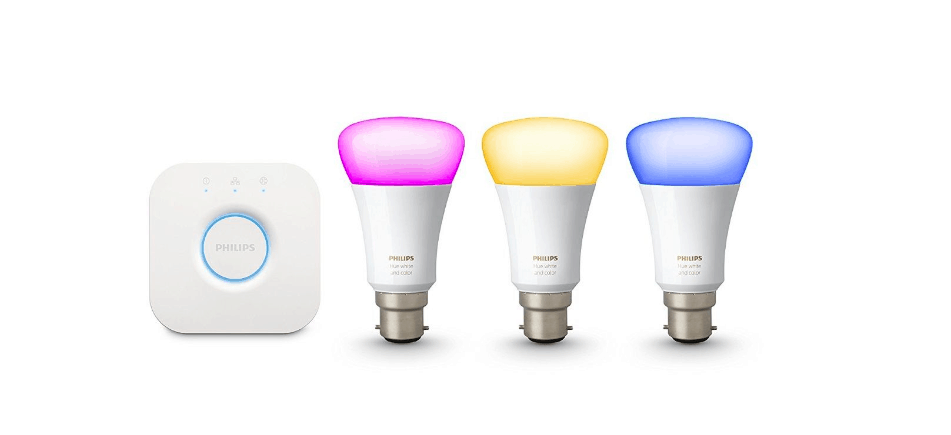
Philips HUE White and Colour Ambiance B22 Starter Kit - UK
Philips Hue White Ambiance Starter Kit - E27
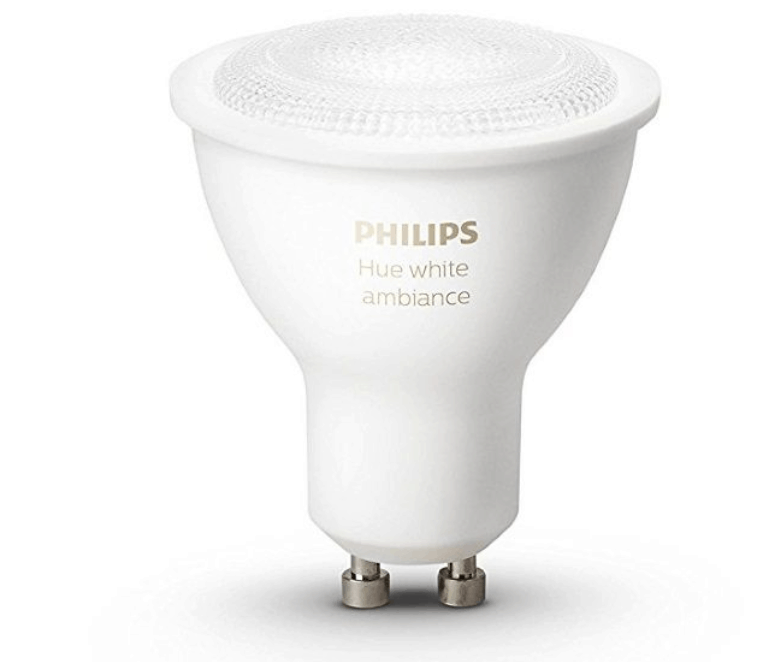
Philips Hue White Ambiance Single Bulb GU10 Dual Pack
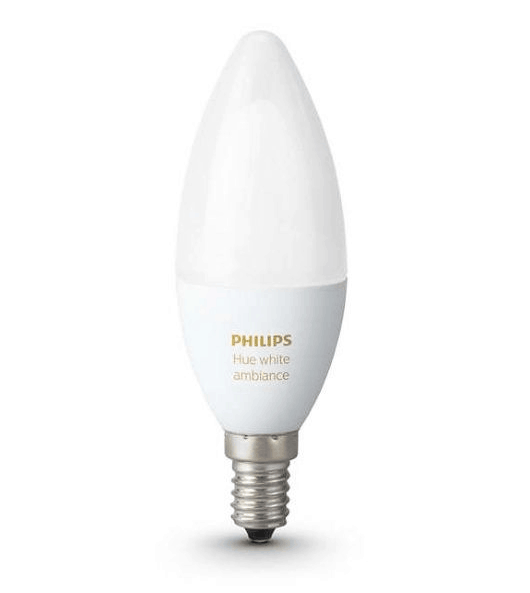
Philips Hue White Ambiance Single Bulb - E14
Philips Hue White Ambiance Single Bulb
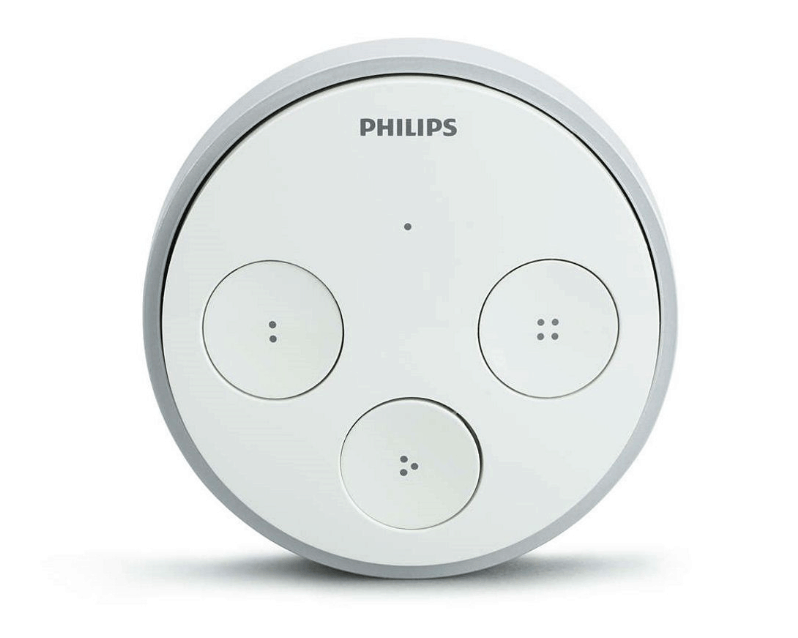
Philips HUE Tap
Philips Hue Phoenix Recessed Spot Light
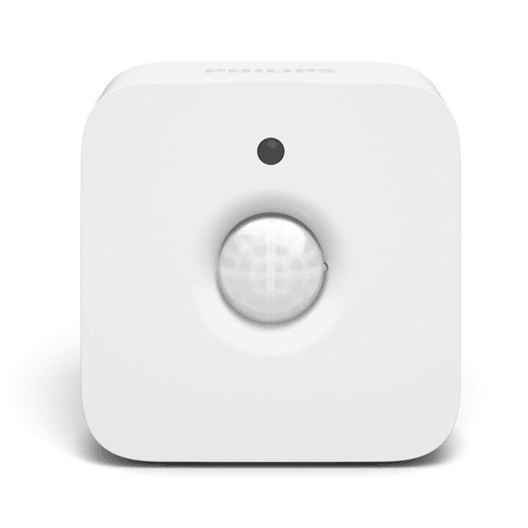
Philips HUE Motion Sensor
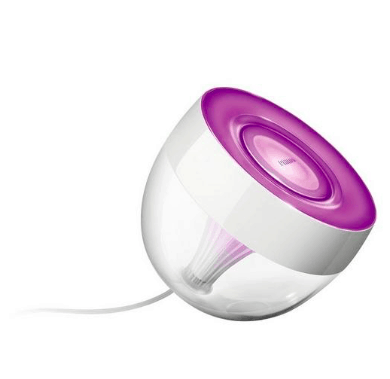
Philips HUE Iris - UK
Philips HUE Go - White - UK
Philips HUE Bridge UK/EU
Philips Hue Bridge - 2nd Generation, Apple Kit Compatible
Philips Hue Wireless Lighting Dimmer Switch - White
Philips Hue White and Color Ambiance Kit A19, 2nd Generation
Get Expert Advice on Philips
Our team can help you choose the right Philips products for your home.